Oni Central Forum
You are not logged in.
- Topics: Active | Unanswered
#1 02/21/11 23:02
- EdT
- Moderator
- From: Los Angeles, CA
- Registered: 01/13/07
- Website
HQ Airport Textures
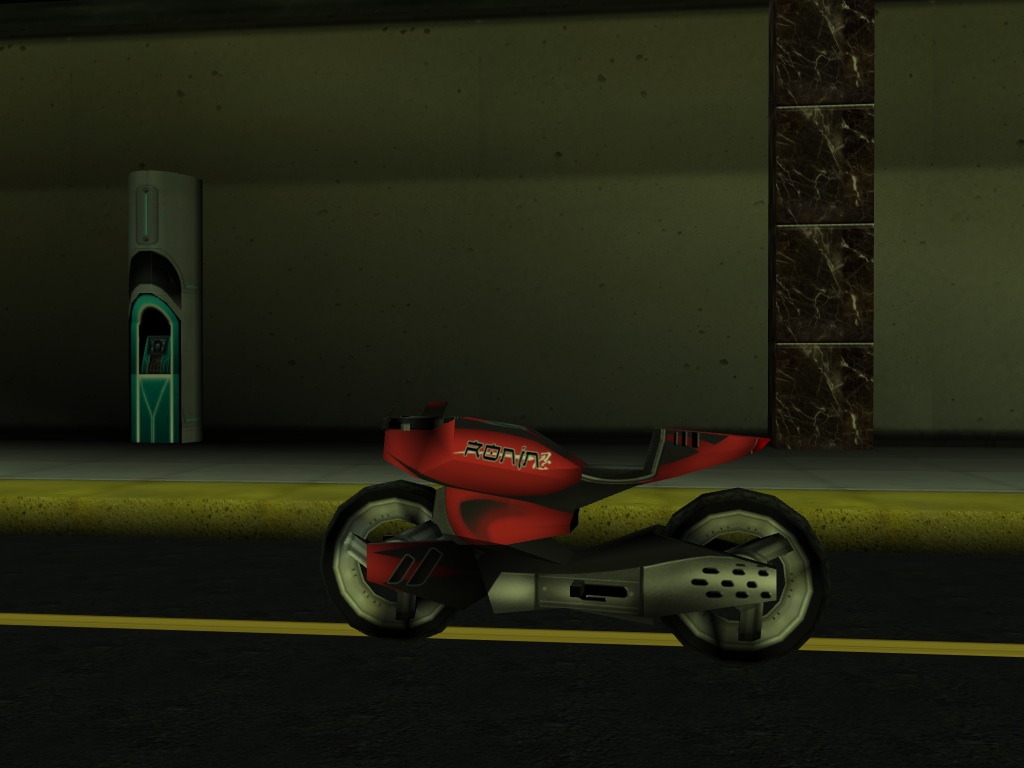
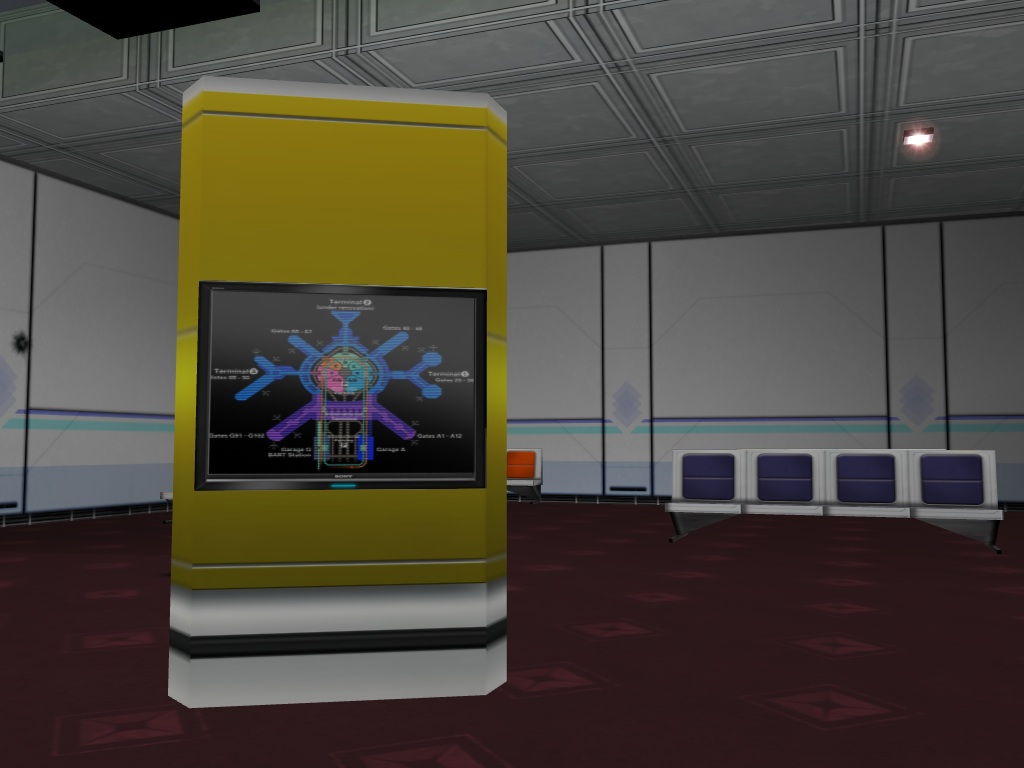
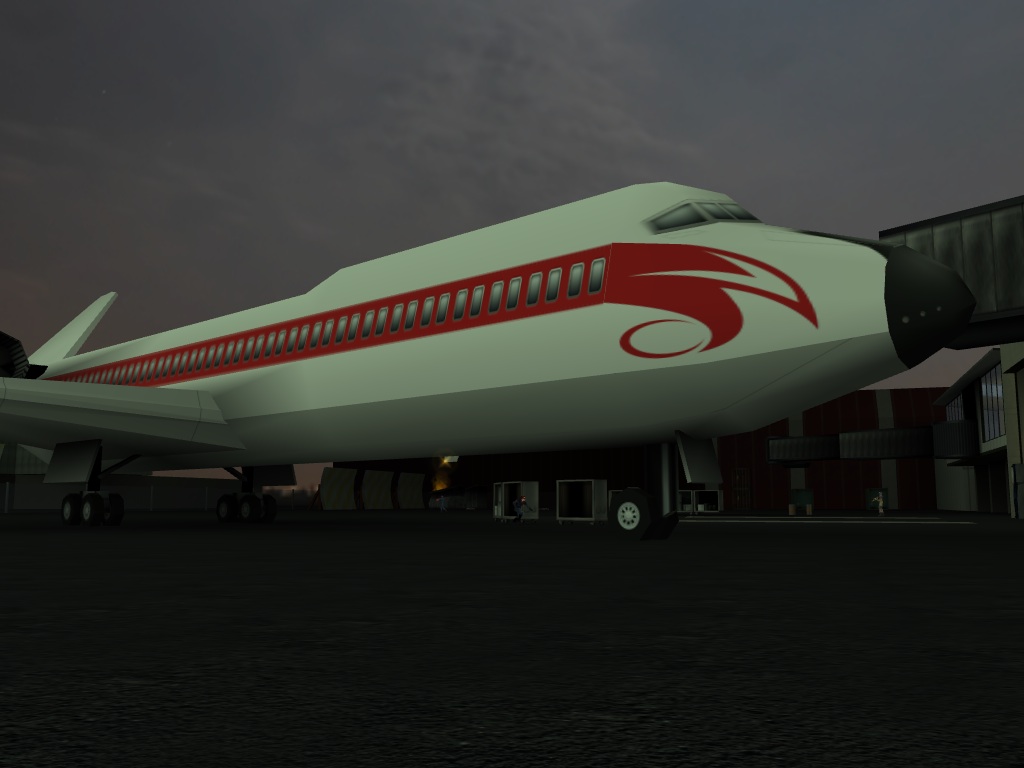
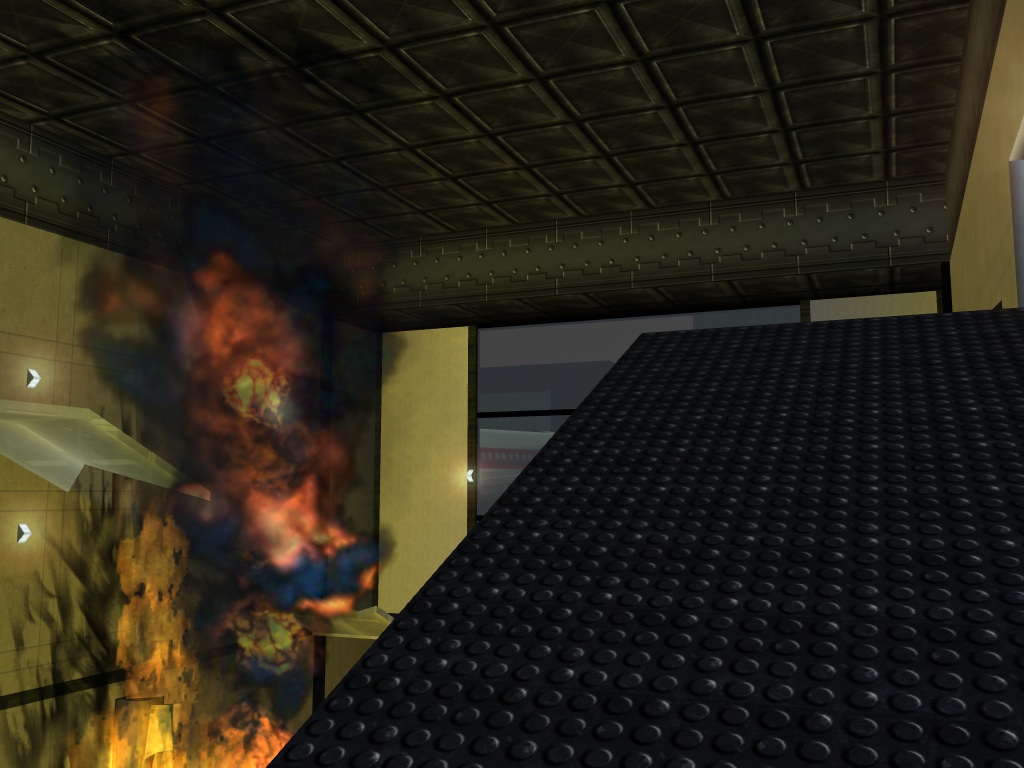
Vicious Reilly has done it again, he has created awesome textures for the Airport Level.
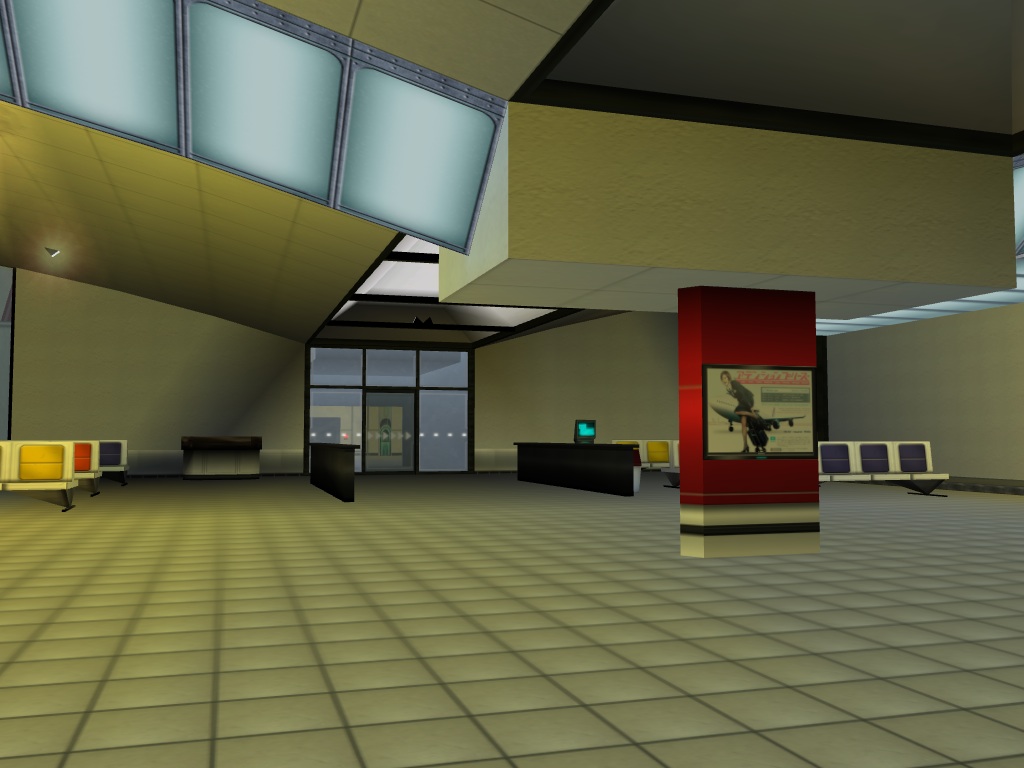
Get the Package here:
http://mods.oni2.net/node/171
Last edited by EdT (02/24/11 17:02)
Offline
#2 02/22/11 00:02
- Lithium
- Member

- From: Colorado
- Registered: 10/17/08
Offline
#3 02/22/11 00:02
- EdT
- Moderator
- From: Los Angeles, CA
- Registered: 01/13/07
- Website
Re: HQ Airport Textures
The skybox is from the Realistic skies package.
Offline
#4 02/22/11 00:02
- Lithium
- Member
- From: Colorado
- Registered: 10/17/08
Re: HQ Airport Textures
Yeah i know 
btw how did you get those shots? of the skyboxes
Oni IRC | Kumite! Kumite! Kumite!
Offline
#5 02/22/11 00:02
- EdT
- Moderator
- From: Los Angeles, CA
- Registered: 01/13/07
- Website
Re: HQ Airport Textures
I got the sky images from this site: http://www.cgtextures.com/
Offline
#6 02/22/11 07:02
- TOCS
- Member

- From: Denmark
- Registered: 04/04/07
Re: HQ Airport Textures
Are we going to see a release soon? 
Offline
#7 02/22/11 07:02
- Dirk Gently
- Member
- From: Boston, MA
- Registered: 06/12/09
- Website
Re: HQ Airport Textures
WOOO-HOOO!
[non-caps]
Offline
#8 02/22/11 07:02
- DarkLitria
- Member

- From: UK
- Registered: 02/11/11
- Website
Re: HQ Airport Textures
hey nice work EdT!
No BLOOD no foul.
Offline
#9 02/22/11 08:02
- TOCS
- Member
- From: Denmark
- Registered: 04/04/07
Re: HQ Airport Textures
Pardon me, but isn't this Vicious Reilly's work? 
Offline
#10 02/22/11 10:02
- Samer
- Member

- From: Lebanon
- Registered: 09/04/09
- Website
Re: HQ Airport Textures
ouh that's great ! now we have the training level and the airport ! hope he includes other levels in the future.
Join our Oni Facebook Group
Check My YouTube Channel for my Oni Videos.
Check My Wiki page for all my stuff
Offline
#11 02/23/11 01:02
- EdT
- Moderator
- From: Los Angeles, CA
- Registered: 01/13/07
- Website
Re: HQ Airport Textures
Package link at the Mods Depot: http://mods.oni2.net/node/171
If this packages slows down your computer, I can make a Low Quality version of the new textures. Currently over 50 textures are 512x512 in size, but I can reduce their size to 256x256 for the LQ version. Let me know if this is needed.
Last edited by EdT (02/24/11 17:02)
Offline
#12 02/23/11 01:02
- Gumby
- Member
- From: Seattle, WA, USA
- Registered: 08/30/07
Re: HQ Airport Textures
Pardon me, but isn't this Vicious Reilly's work?
Yup
Iritscen: 
Iritscen: it's amazing this program even works
Gumby: i know
Iritscen: and that statement applies to my code, not just yours
Offline
#13 02/23/11 13:02
- Dirk Gently
- Member
- From: Boston, MA
- Registered: 06/12/09
- Website
Re: HQ Airport Textures
Only slow-down I am experiencing is when I am out on the tarmac of the airport. Frames go from ~100-120 to about ~20-30 depending on the angle. If I am looking down the length of the tarmac then I experience low frames. If I am running down the length I can get ~50-80 frames depending on viewing angle, other times I get normal ~100+. The exhaust of the plane's engine seems to cause a bit of a drop in frames. Otherwise it seems OK.
Offline
#14 02/23/11 16:02
- TOCS
- Member
- From: Denmark
- Registered: 04/04/07
Re: HQ Airport Textures
What the..? How do you even get more frames than 60? Mine is capped at that. If I force vertical synchronization to be off, I'll get around 700 - 1000 frames, and the camera will become edgy and nearly impossible to turn. 
Offline
#15 02/23/11 16:02
- Gumby
- Member
- From: Seattle, WA, USA
- Registered: 08/30/07
Re: HQ Airport Textures
The Mac version has a different timing system, iirc.
Iritscen:
Iritscen: it's amazing this program even works
Gumby: i know
Iritscen: and that statement applies to my code, not just yours
Offline
#16 02/23/11 16:02
- TOCS
- Member
- From: Denmark
- Registered: 04/04/07
Re: HQ Airport Textures
Ohh, I see. It's a bit annoying actually. I generally get huge frame drops in OTA, because of the particles. And because of some sorting buffer overflow. I peak around 10 - 11 frames when that occurs. I believe the engine is very limited in terms of rendering - or am I completely wrong?
Offline
#17 02/23/11 16:02
- Dirk Gently
- Member
- From: Boston, MA
- Registered: 06/12/09
- Website
Re: HQ Airport Textures
not really, it has lots of potential, just need to get it using an optimized pipeline.
Offline
#18 02/23/11 16:02
- TOCS
- Member
- From: Denmark
- Registered: 04/04/07
Re: HQ Airport Textures
Really? I thought it was all debug code. <.<"
Offline
#19 02/23/11 18:02
- Lithium
- Member
- From: Colorado
- Registered: 10/17/08
Re: HQ Airport Textures
Did you update the skies package? Because the airport level has always been the same 
Oni IRC | Kumite! Kumite! Kumite!
Offline
#20 02/24/11 07:02
- Nitr0
- Member
- From: Croatia
- Registered: 11/26/10
Re: HQ Airport Textures
Two things:
1. Everything works fine, I don't have any lagging.
2. I have installed realistic skies package, but I don't have same skies as you on that screenshots.

Offline
#21 02/24/11 07:02
- SektorZ
- Member
- Registered: 02/21/07
- Website
Re: HQ Airport Textures
I'm pretty sure Muro's just as surprised as I am of what you did thar:
Offline
#22 02/24/11 11:02
- EdT
- Moderator
- From: Los Angeles, CA
- Registered: 01/13/07
- Website
Re: HQ Airport Textures
I see what is the problem with the sky texture, put the attached ONLV file in the folder Edition/install/packages/Globalize/oni/level4_Final/level4_Final replacing the existing one and then re-install the packages.
http://edt.oni2.net/AE_Files/ONLVAirport.oni
SektorZ: lol
Last edited by EdT (02/24/11 11:02)
Offline
#23 02/24/11 17:02
- Lithium
- Member
- From: Colorado
- Registered: 10/17/08
Offline
#24 12/23/12 12:12
- chutzpan
- Member
- Registered: 12/08/12
Re: HQ Airport Textures
Where Do I put the unzipped files/folder?
Offline
#25 12/23/12 21:12
- EdT
- Moderator
- From: Los Angeles, CA
- Registered: 01/13/07
- Website
Re: HQ Airport Textures
Place the folder in Edition/install/packages then run AE Install, select the mod HQ Airport Textures and click the Install button.
Offline